A Windows desktop app that builds complete Xbox artwork packs from your scans, fanart, screenshots and videos. Add your source files, pick a case colour, and press build, the finished artwork will appear in library tab where you can send it to me.
How it works
Step 1
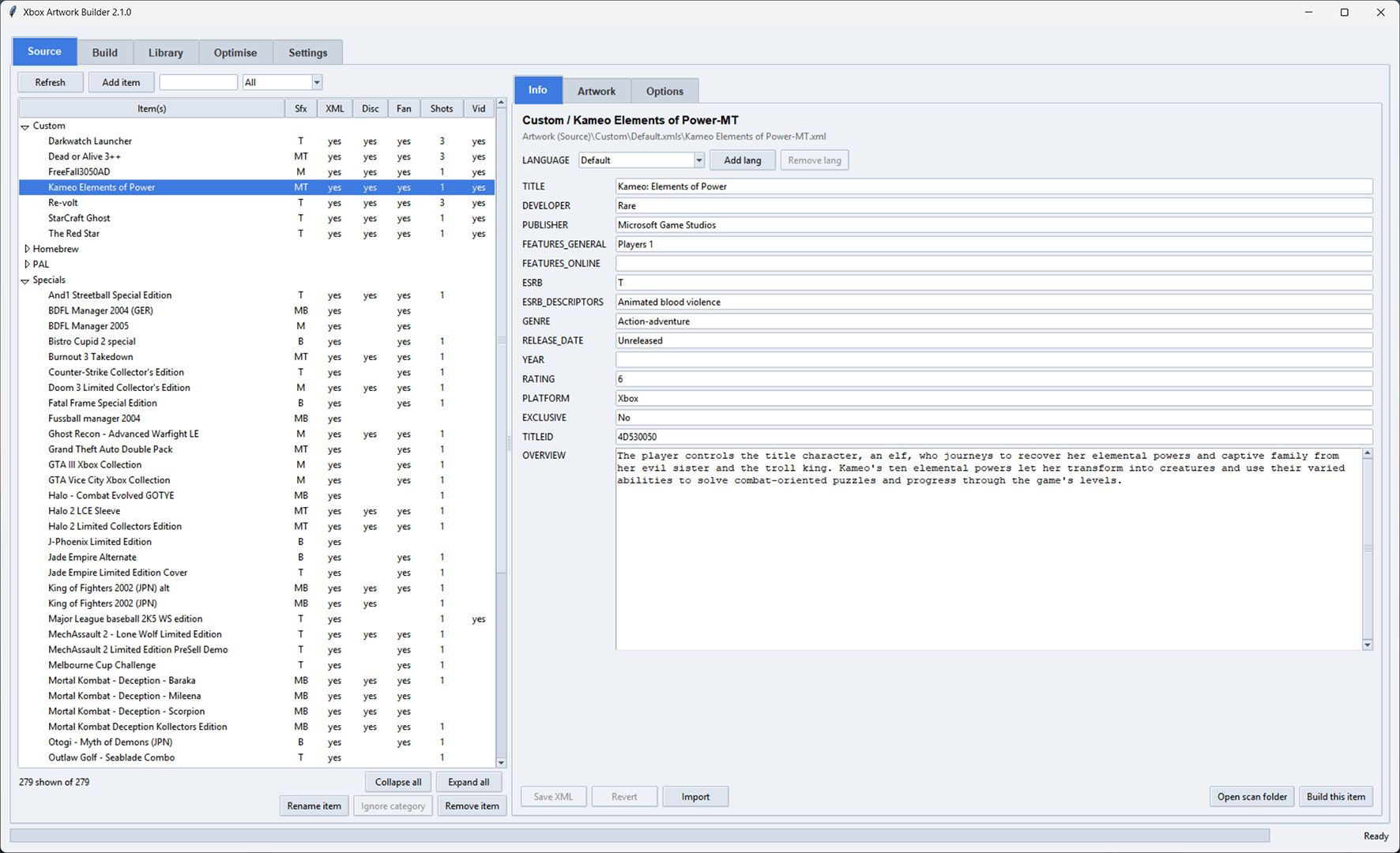
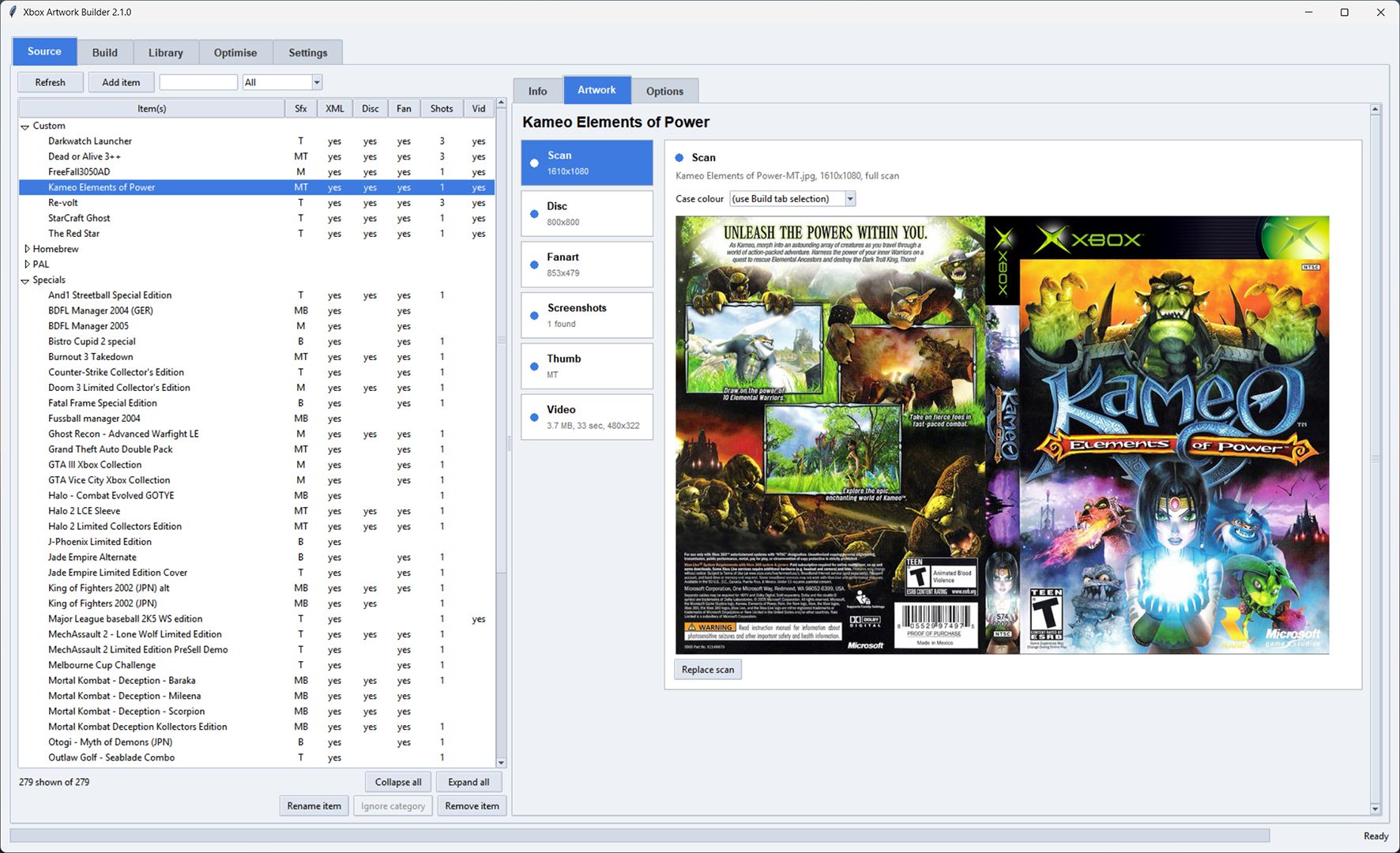
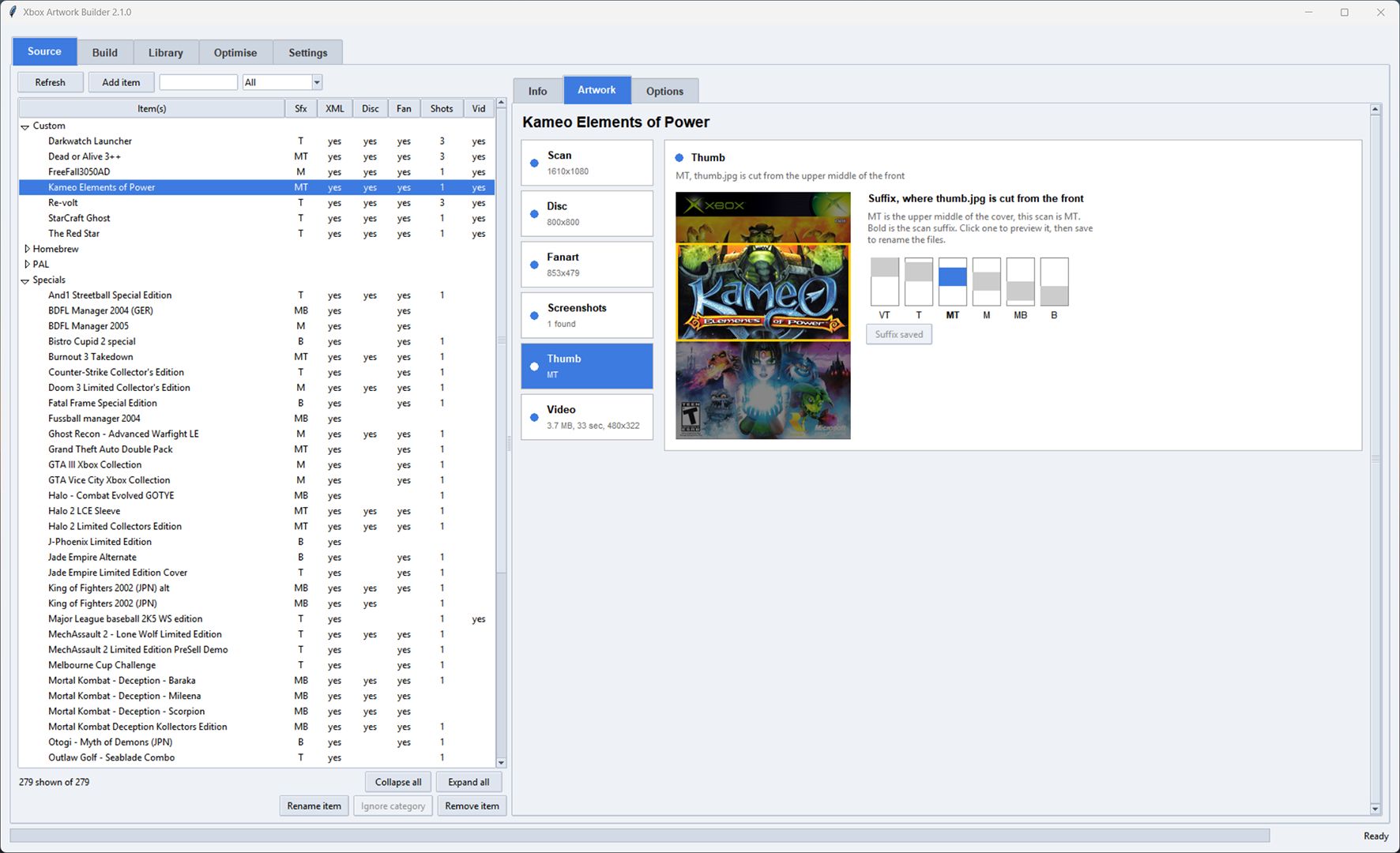
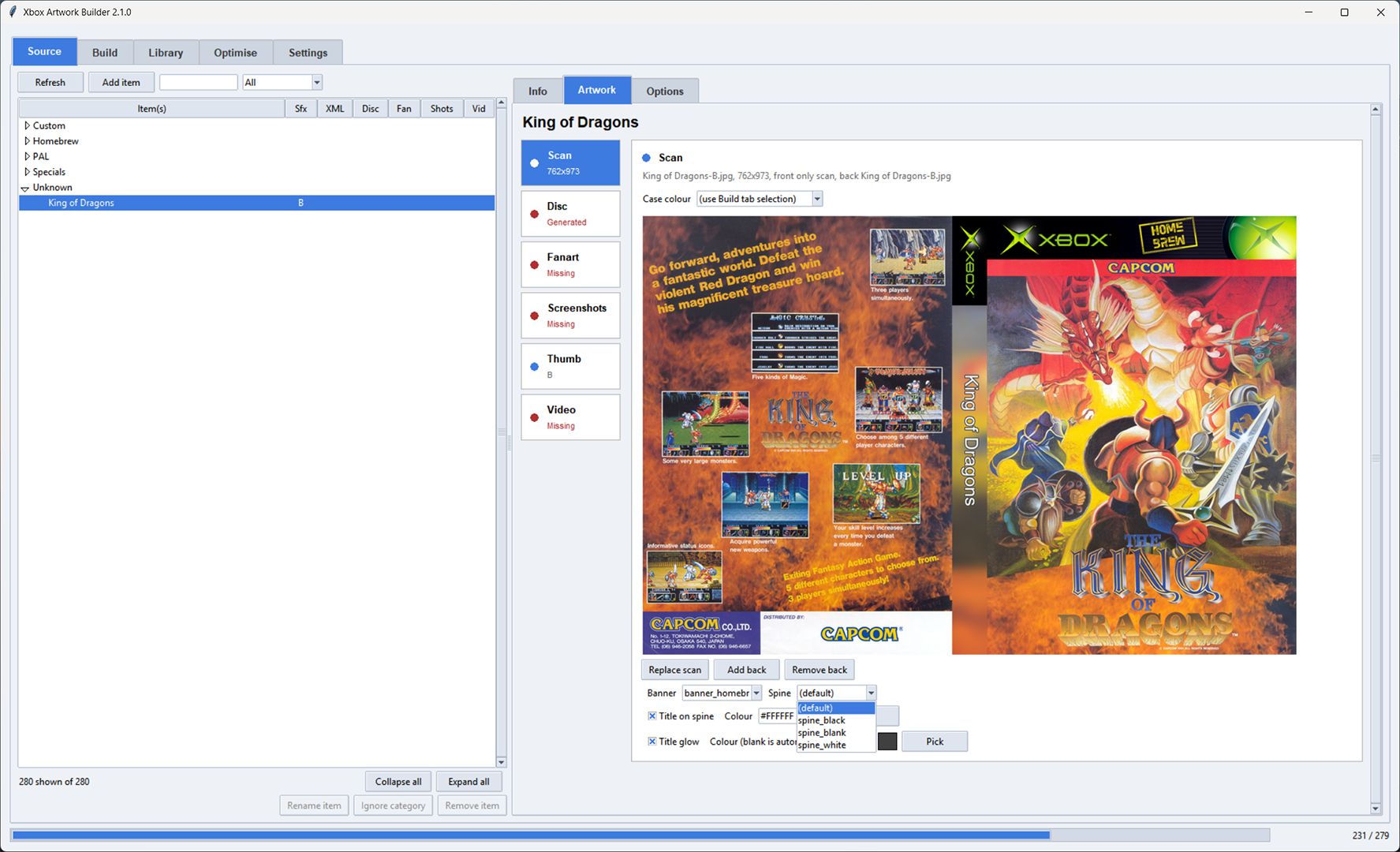
Select your scans, disc images, fanart, screenshots and videos in the Source tab. The app keeps everything organised by category and lets you edit the XML metadata right there.
Step 2
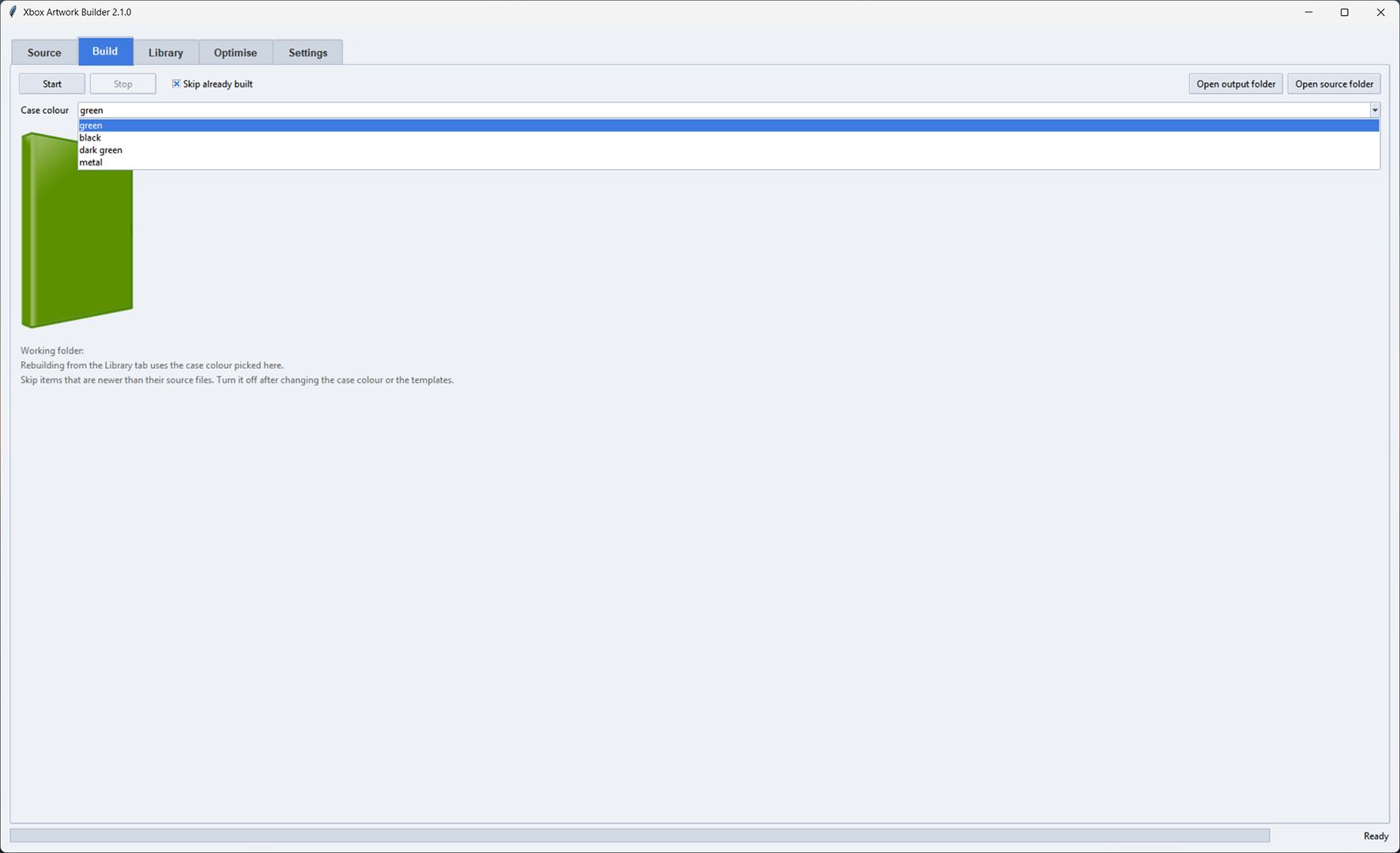
Choose from the included case colours in the Build tab, or drop your own into the resources folder. You can override the colour and CD overlay per game too.
Step 3
Hit Start. Finished artwork lands in the "Artwork (Built)" folder, ready for you share. Anything that fails gets flagged with a popup and logged to error_log.txt.
Features
Edit all the metadata for each game directly in the Source tab: title, developer, publisher, genre, release date, overview and more, including per-language entries.
Set where thumb.jpg is cropped from with the suffix selector (VT, T, MT, M, MB, B). The scan files are renamed automatically so the game logo always stays in the thumbnail.
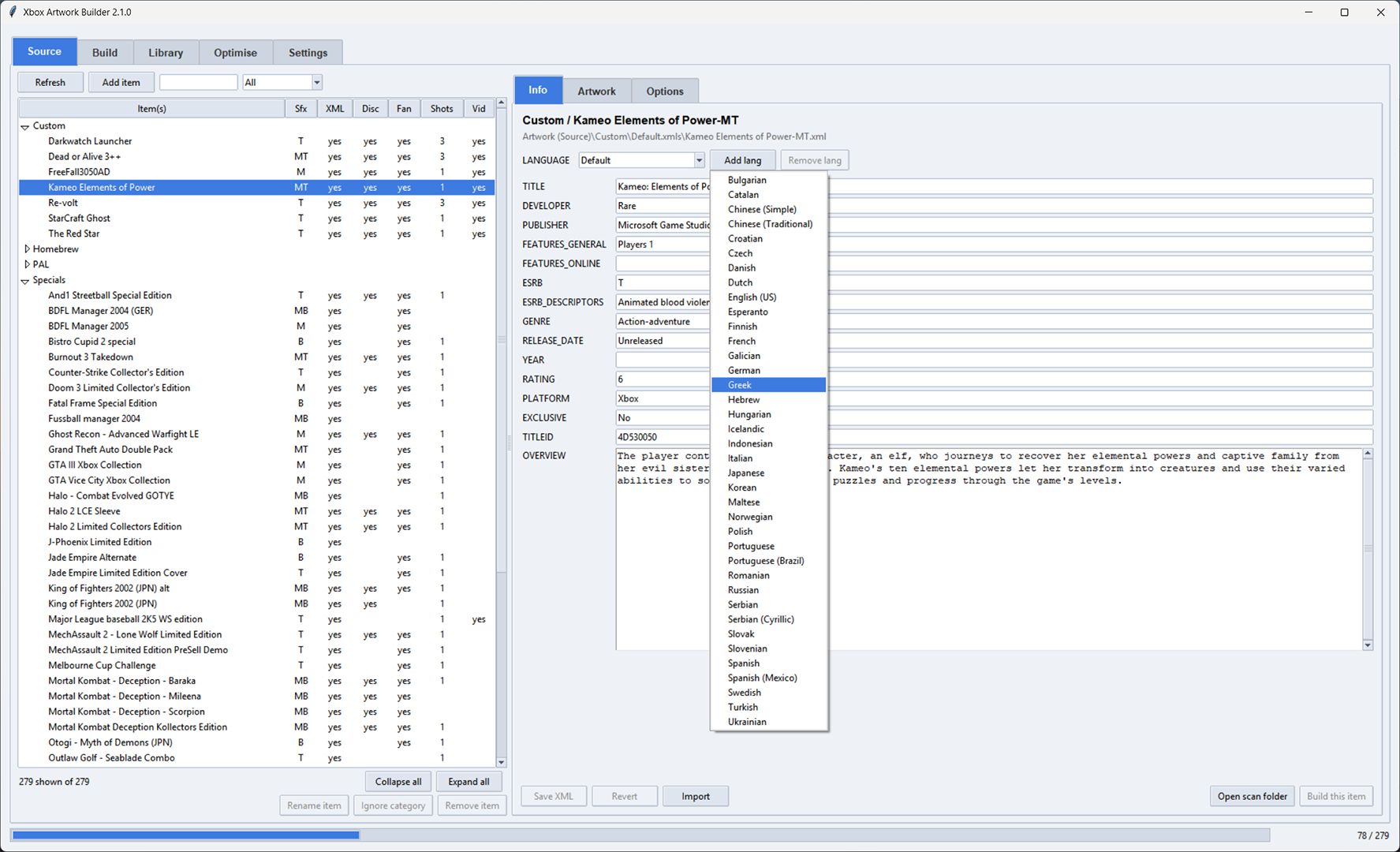
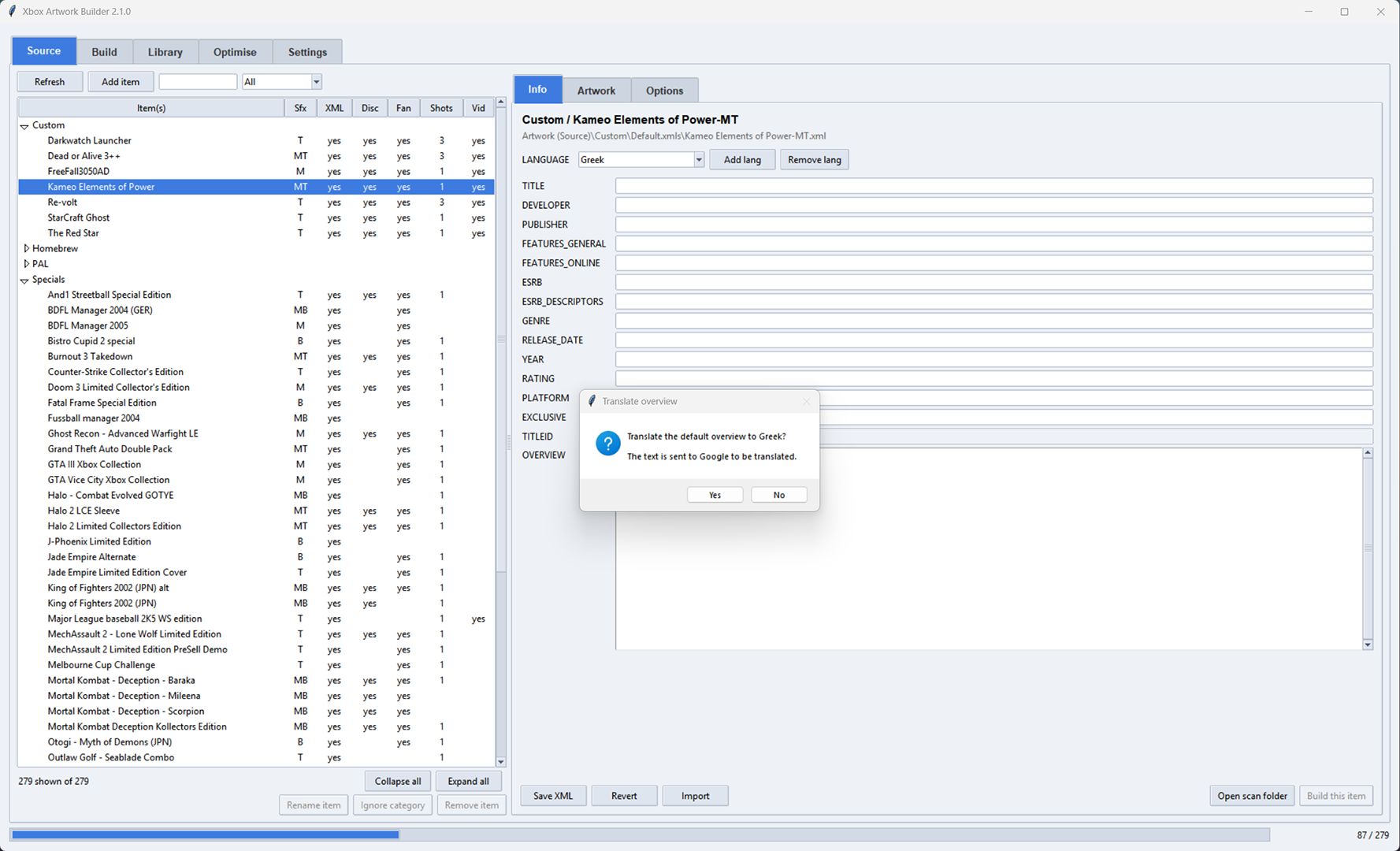
Add a language to any game and translate its overview via Google in one click. Or select an entire category and translate every overview at once, skipping games that already have one.
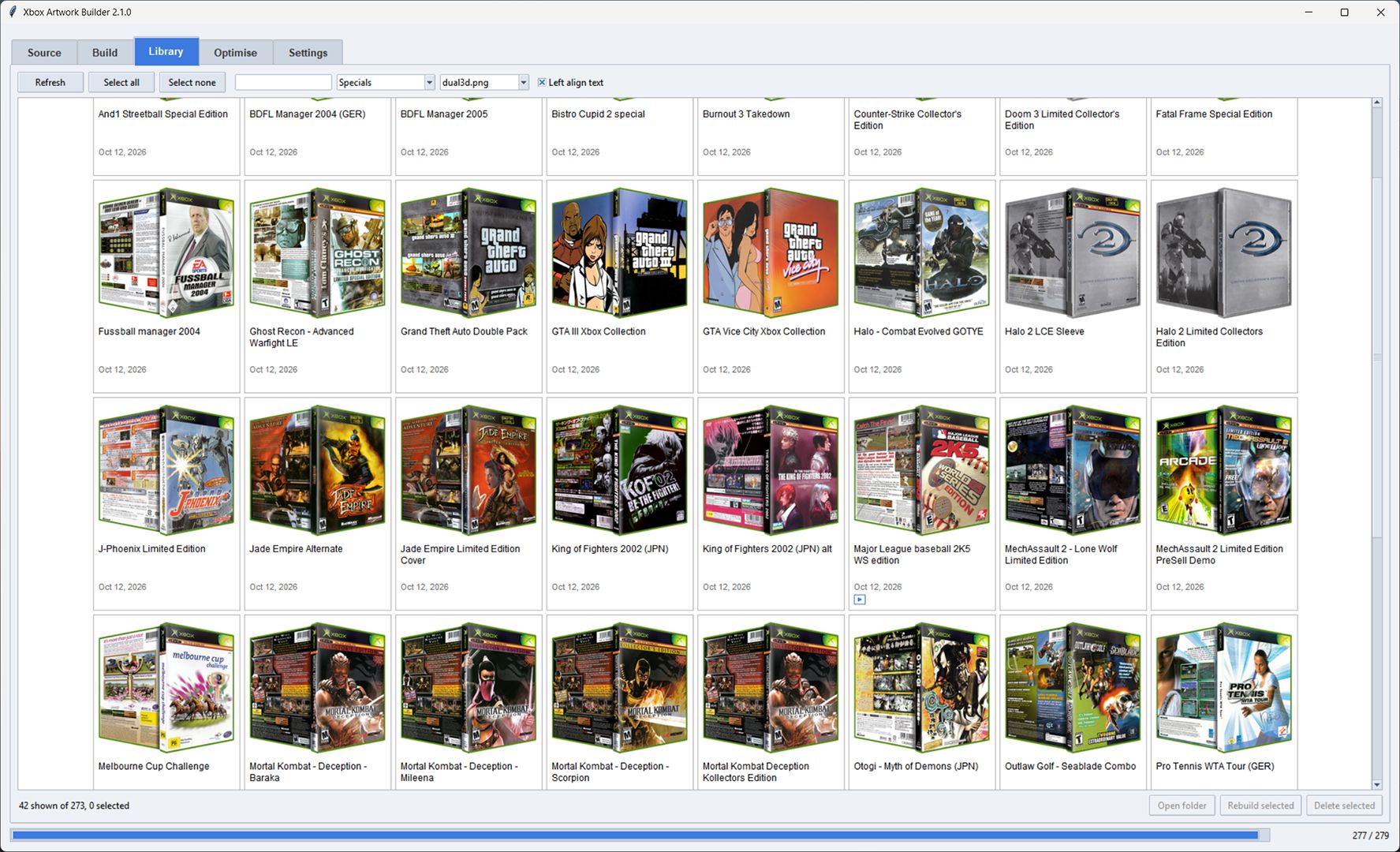
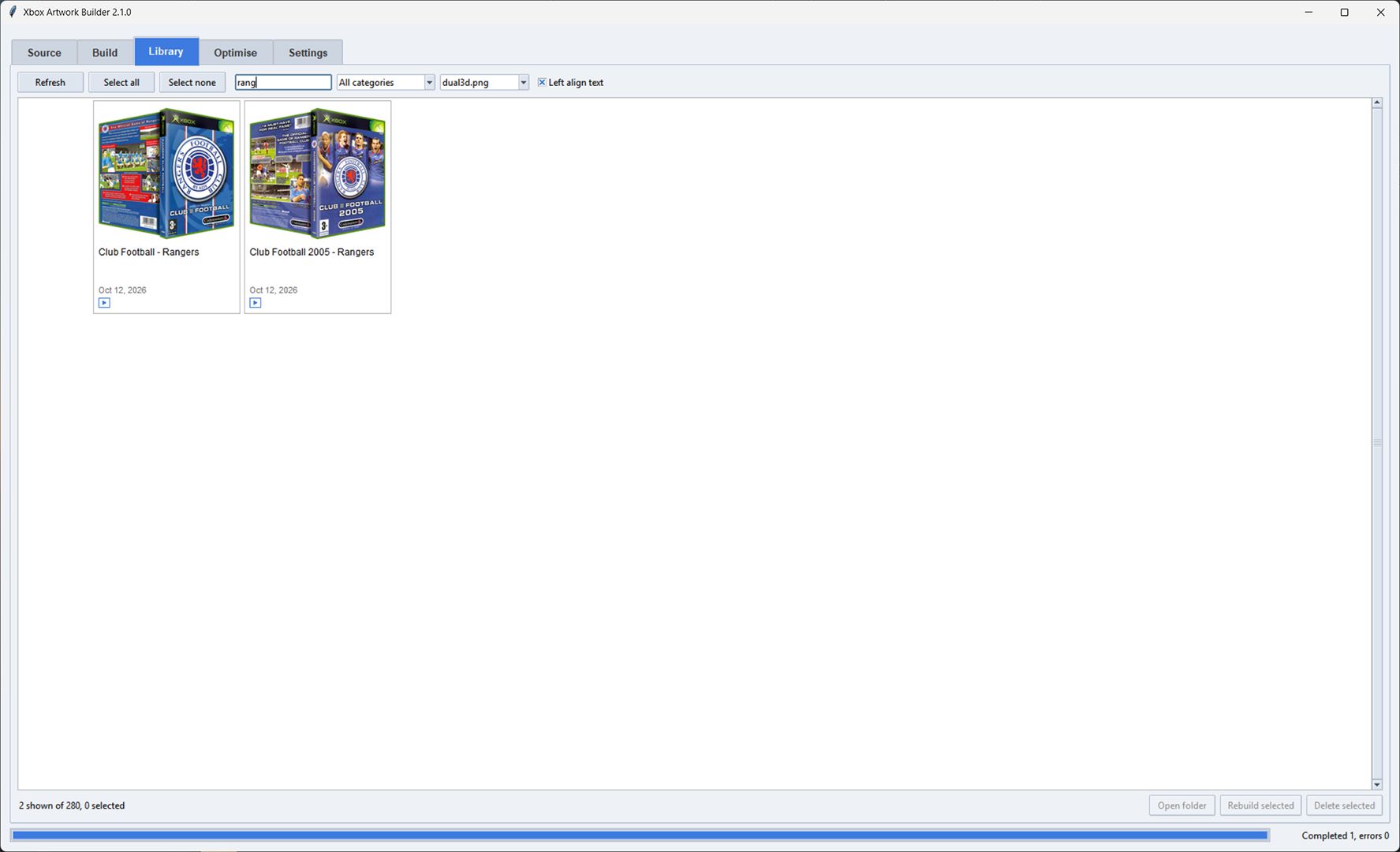
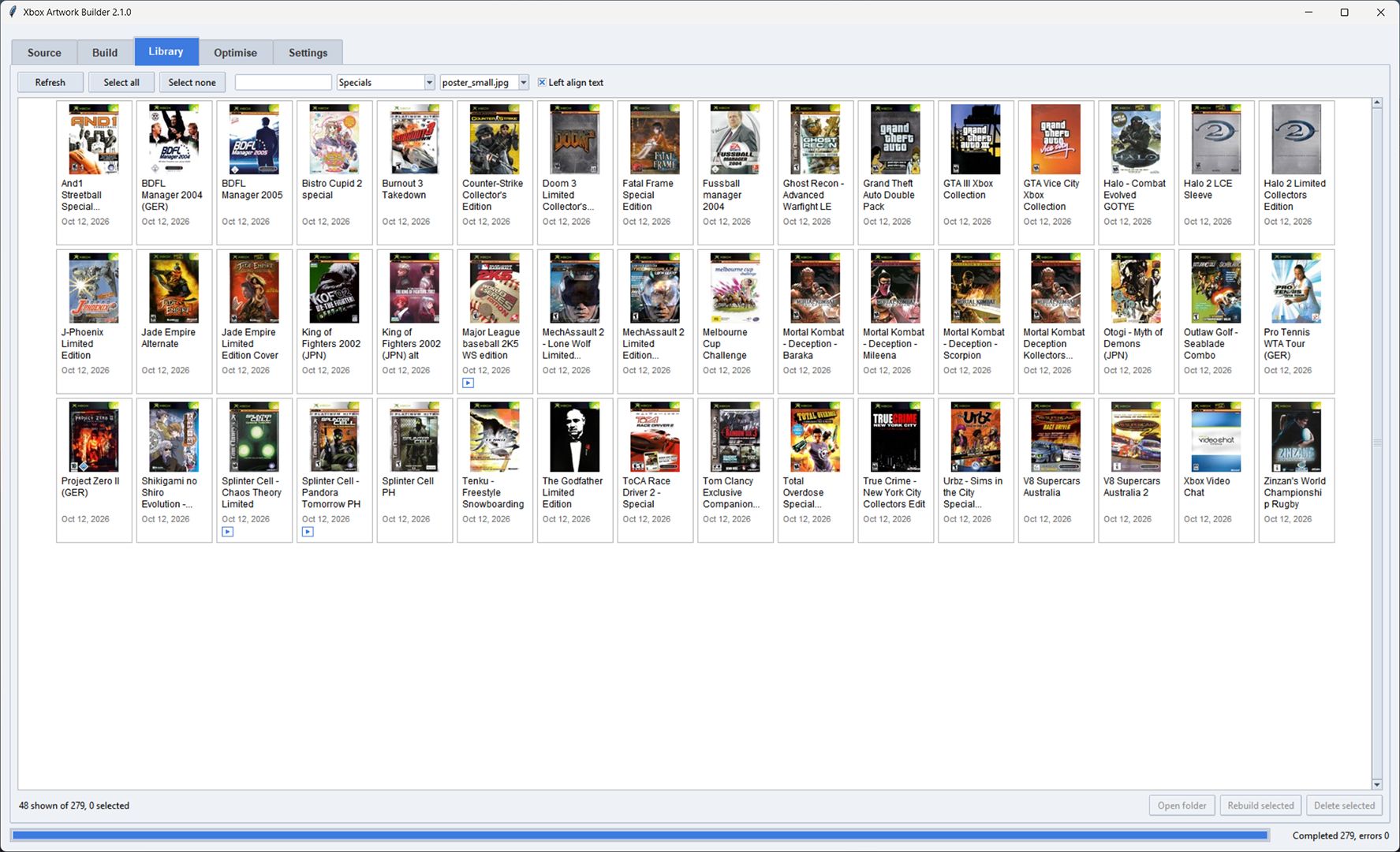
Browse everything you have built as a visual grid. Filter by category or image type, search by name, see which games have fanart or video, and rebuild or delete items straight from here.
Select up to 20 built games and press Submit to community. The installer zip is sent to the website, checked over, and added to the shared library once it passes review.
Images are optimised as they are added and the Optimise tab catches anything that was missed. Preview videos must be MP4: if one is not Xbox ready you are asked if you want it converted with ffmpeg.
Unzip and run, no installer needed. Your settings, source artwork and themes are never touched by an update.